Table of Contents
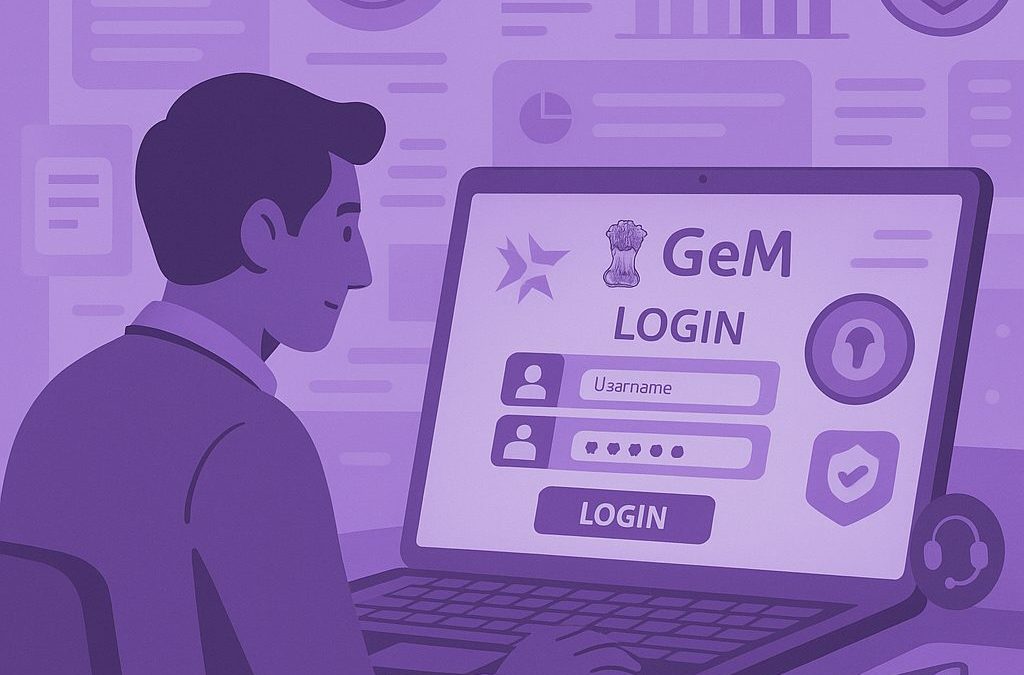
GeM Portal login is the gateway for registered buyers and sellers to access their accounts on the Government e-Marketplace. Whether you want to manage government procurement or sell products and services, you need the right login credentials to access the platform. This guide explains the GeM buyer login and GeM seller login process, the details required to sign in, and the basic steps to access your account. It also covers common login problems that may prevent you from signing in successfully. Continue reading to understand the GeM login process and find the right guidance for accessing your account.

What is GeM Portal login?
GeM Portal login: It is the process that allows registered buyers and sellers to securely access their accounts on the Government e-Marketplace.
GeM login: Once users sign in, they can access the dashboard and account functions available for their role on the platform.
GeM login ID: Registered users need their assigned login credentials to access their GeM account and complete the required authentication process.
The exact account features available after login may differ for buyers and sellers. The next sections explain who can use the portal and how the buyer and seller login processes differ.
Who can log in to the GeM Portal?
The GeM portal login is designed for two main user groups. Buyers use the platform for government procurement, while sellers use it to offer products and services to eligible government buyers.
| User | Who they are | Why they log in |
| GeM buyers | Government departments, ministries, organisations, and authorised officials. | To access procurement-related functions and manage buying activities. |
| GeM sellers | Businesses and service providers registered on GeM. | To access their seller account and manage selling activities. |
The GeM buyer login and GeM seller login serve different user roles and may follow different authentication requirements. The sections below explain each login type in more detail.
GeM buyer login
The GeM buyer login allows authorised government users to access their buyer accounts on the Government e-Marketplace. GeM provides a separate buyer journey, and buyers must use the authentication method linked to their authorised account. GeM’s current platform also uses secure authentication measures for user access.
Who can use GeM buyer login?
Authorised users from eligible government organisations can access GeM as buyers. This may include users from:
- Government departments and ministries
- Government organisations and institutions
- Public sector entities
- Other eligible procuring organisations
| Login aspect | GeM buyer login |
| User type | Authorised government users |
| Account access | Through credentials linked to the authorised user account |
| Authentication | May include the applicable secure authentication method |
| Purpose | To access the buyer account on GeM |
Buyer access can differ from GeM seller login because buyers and sellers have separate roles and account journeys on the platform. GeM also maintains dedicated buyer and seller learning journeys, reflecting these different user paths.
GeM seller login
The GeM seller login allows registered businesses and service providers to access their accounts on the Government e-Marketplace. Once a seller account is created, authorised users can sign in using the credentials linked to that account. GeM also allows seller organisations to create secondary user accounts with different roles and responsibilities, subject to the platform’s terms and conditions.
Who can use GeM seller login?
The login is available to registered sellers and service providers on GeM. Depending on the organisation’s account structure, access may be available to:
- Primary users
- Authorised secondary users
- Sellers offering products
- Service providers offering services
| Login aspect | GeM seller login |
| User type | Registered sellers and service providers. |
| Account access | Through credentials linked to the authorised user account. |
| User access | Primary and authorised secondary users, where applicable. |
| Purpose | To access the seller account and available marketplace functions. |
The GeM seller journey differs from the buyer journey because each user type has a separate role on the platform. GeM also provides dedicated seller learning resources covering account management and other seller activities.
How to log in to the GeM Portal
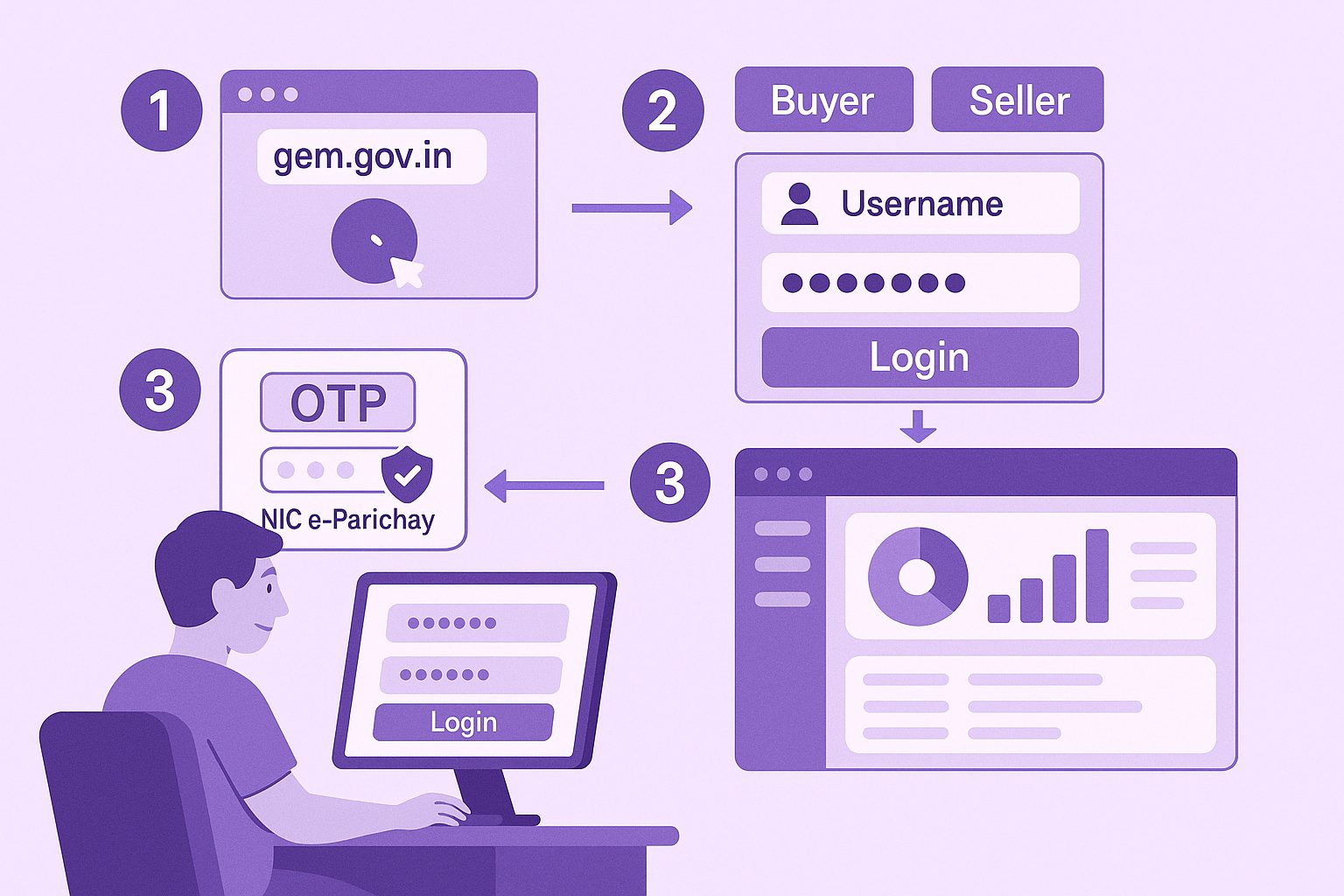
The GeM portal login process allows registered users to access their accounts on the Government e-Marketplace. The exact authentication journey can vary depending on whether you are logging in as a buyer or seller and the access method linked to your account. GeM’s official login page currently notes that its new login and sign-up process is being introduced through a controlled rollout for a limited set of users.
Step 1: Visit the official GeM Portal
Go to the official GeM website and look for the Login option. Always access your account through the official GeM platform to avoid entering your credentials on an unauthorised website.
Step 2: Select the login option
Select Login to open the relevant sign-in page. GeM may direct different users through different login or authentication journeys based on their account type and the platform’s current login process.
Step 3: Enter your login credentials
Enter your GeM login ID and other credentials requested on the sign-in page. GeM’s terms state that registered buyers and sellers receive a User ID and Password through the applicable registration process. Users must keep these credentials secure.
Step 4: Complete the required authentication
Complete any additional verification requested during the GeM login process. This may include CAPTCHA, OTP, or another authentication method linked to your account. GeM also uses secure authentication measures, including multi-factor authentication through its GeM Authenticator application in applicable cases.
Need detailed help? Read our complete guide on GeM login ID, buyer and seller login, login issues, and password reset for more specific step-by-step guidance.
What details are required for GeM login?
Before starting the GeM login process, keep the required account credentials and verification details ready.
GeM login ID: Enter the User ID or other registered credentials linked to your GeM account.
Password: Provide the password or authentication credential required for your account.
OTP verification: Enter the one-time password if GeM requests additional verification during login.
CAPTCHA: Complete the CAPTCHA or other security check displayed on the login page.
Additional authentication: Complete any other verification method required for your specific account or user type.
The exact details required for a GeM portal login may vary based on the user type and the authentication process applicable to the account.
Common GeM login problems
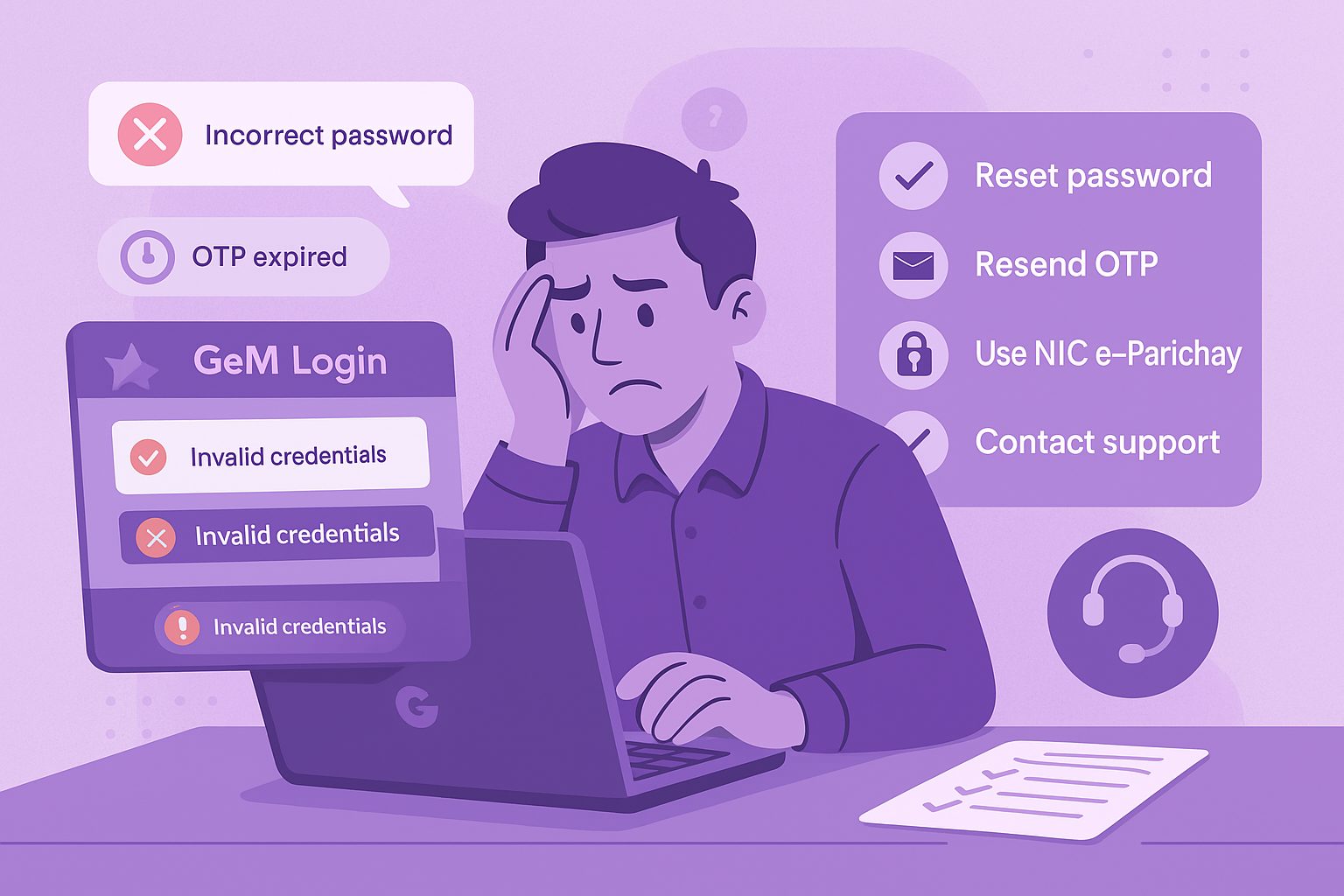
A GeM login problem can occur because of incorrect credentials, verification failures, or browser-related issues. The table below covers common problems and simple actions you can try before seeking further support.
| Problem | Possible reason | What you can do |
| Incorrect login credentials | The GeM login ID or password entered does not match the account records. | Check the credentials carefully and re-enter them. |
| Forgotten password | You cannot remember the password linked to your account. | Use the password recovery option available on the official GeM login page. |
| OTP or authentication issues | The OTP does not arrive, expires, or the required authentication cannot be completed. | Check the registered contact details and request a new OTP where the option is available. |
| CAPTCHA or browser problems | The CAPTCHA does not load properly or the login page does not respond as expected. | Refresh the page, clear the browser cache, or try accessing GeM through another supported browser. |
| Account access issues | The account may require additional verification or use a specific authentication method. | Follow the instructions shown on the login page and use the authentication process linked to your account. |
If you are unable to login to the GeM portal, do not repeatedly attempt incorrect credentials.
GeM login ID, password reset, and login guide
Forgotten GeM login ID: Users who cannot remember their registered login credentials may need additional guidance to recover account access.
Password reset: Users who have forgotten or cannot use their password can follow the recovery process available through the official GeM login journey.
Buyer and seller login: Authentication requirements and account access may differ depending on the type of GeM user.
Conclusion
The GeM platform continues to evolve, and its login journey may change as new authentication processes are introduced. Always use the official portal and follow the instructions shown for your account type. If you face an issue that requires more specific guidance, use the detailed resources linked in this article to find the relevant steps. This helps you resolve access-related concerns without navigating through unnecessary information or unrelated account processes.
Looking for the right government tenders for your business?
Tata nexarc helps MSMEs, manufacturers, and service providers find relevant government tenders across India. Discover tenders by location, category, or department, track deadlines, and get notified on time — with complete support to help you apply confidently.
FAQs
How do I log in to the GeM portal?
What is a GeM login ID?
Is GeM buyer login different from GeM seller login?
Can I use my GeM login ID for both buyer and seller accounts?
What should I do if I forget my GeM password?
Why am I unable to log in to the GeM portal?
How can I recover my GeM login ID?
What should I do if I do not receive the GeM login OTP?
Can I access the GeM portal from any browser?
Where can I find detailed help for GeM login problems?
A product manager with a writer's heart, Anirban leverages his 6 years of experience to empower MSMEs in the business and technology sectors. His time at Tata nexarc honed his skills in crafting informative content tailored to MSME needs. Whether wielding words for business or developing innovative products for both Tata Nexarc and MSMEs, his passion for clear communication and a deep understanding of their challenges shine through.